
Cine Review – User Guide
For review links we will send each production a playlink waiver for their project. This document acts as an integral set of rules for our team during finishing and delivery to ensure we work to your specific security requirements. We will deliver links with login credentials and white list the people who are allowed access to each link.
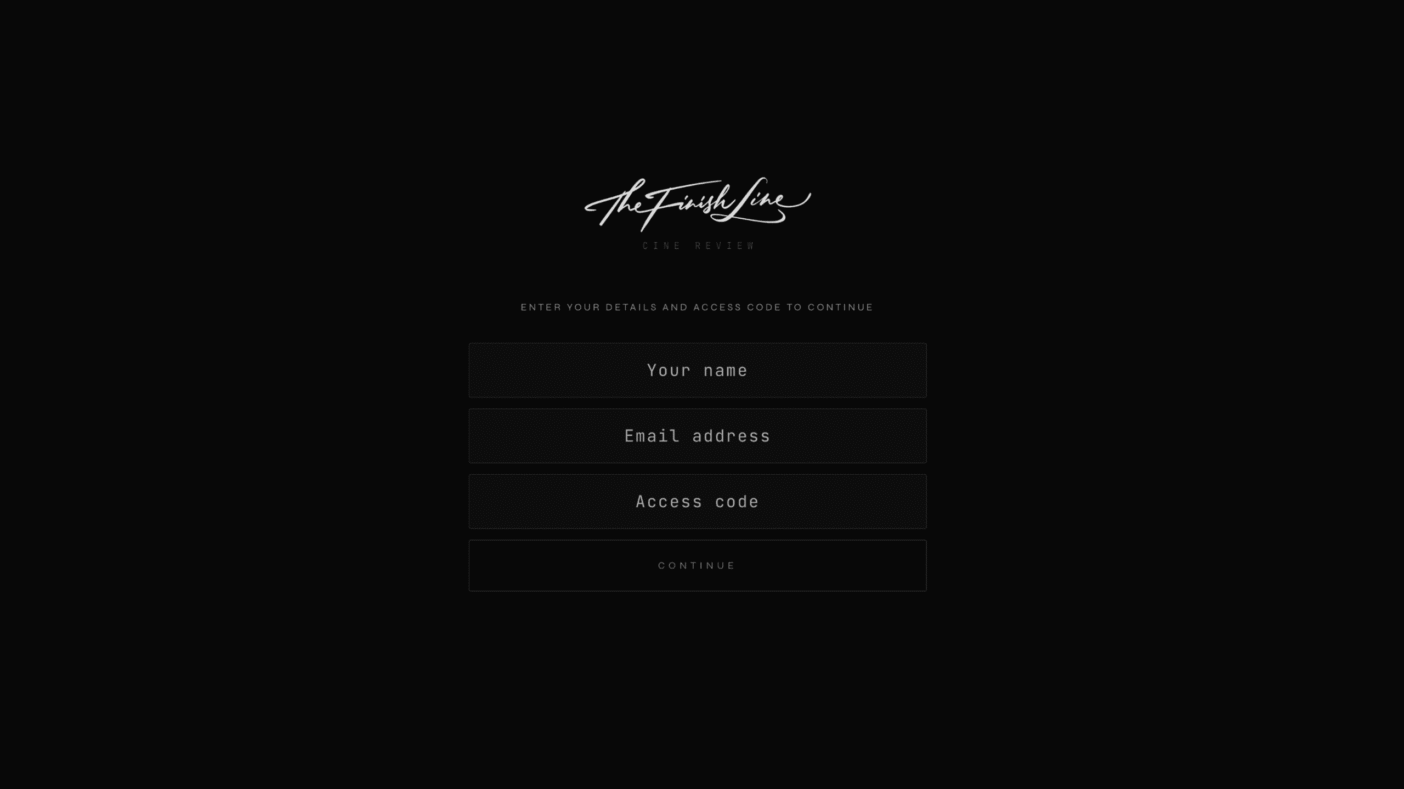
You log in with your name, email address and access code.
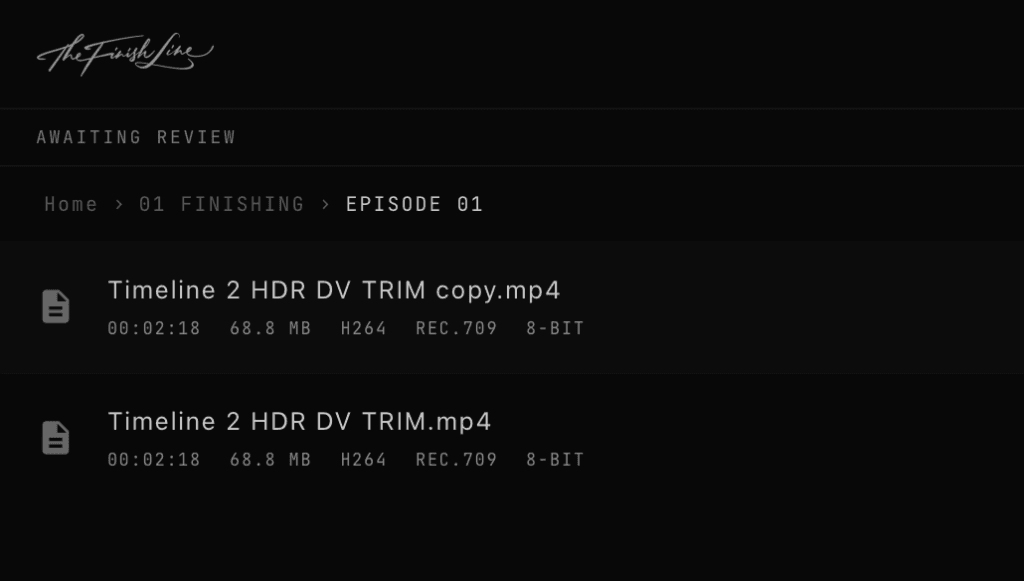
Once you are in you will be able to navigate through the files you have been granted access to.

Within the viewer you have a standard player, functionality will be based on what security has been requested for your production. You can click in the timecode to jump to specific points, and you can also use your arrow keys to move frame by frame as well as JKL transport controls for the editors out there.

If enabled for your project, you will notice you have the options to request changes or approve for delivery.
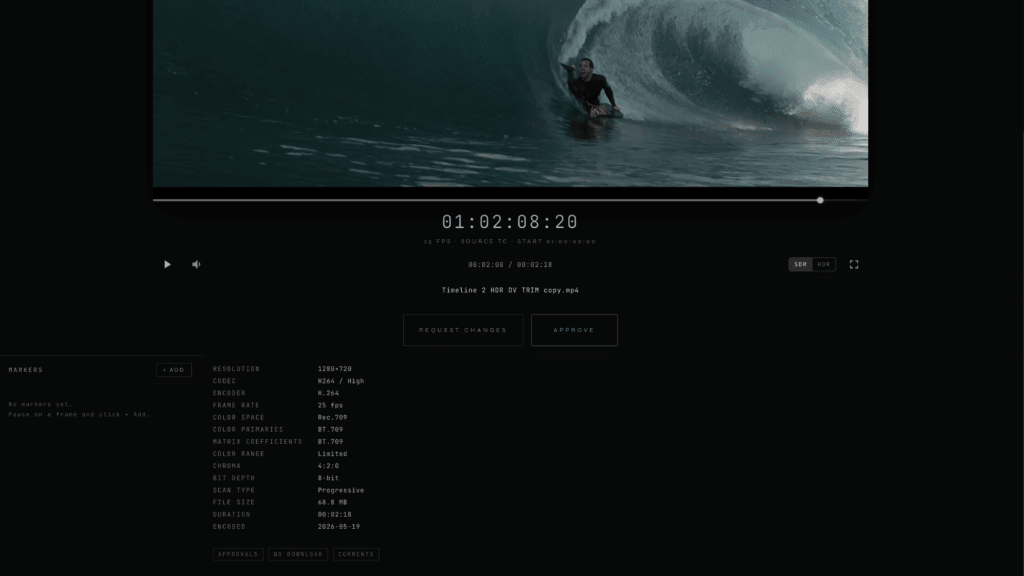
If you add markers you can enter notes for what you would like to have addressed. These are timecode accurate and will show up in the timeline for the project on our side. You can select the markers to jump straight to those points. You will notice when you add markers that the approve button will vanish, you can’t approve something that needs changes.
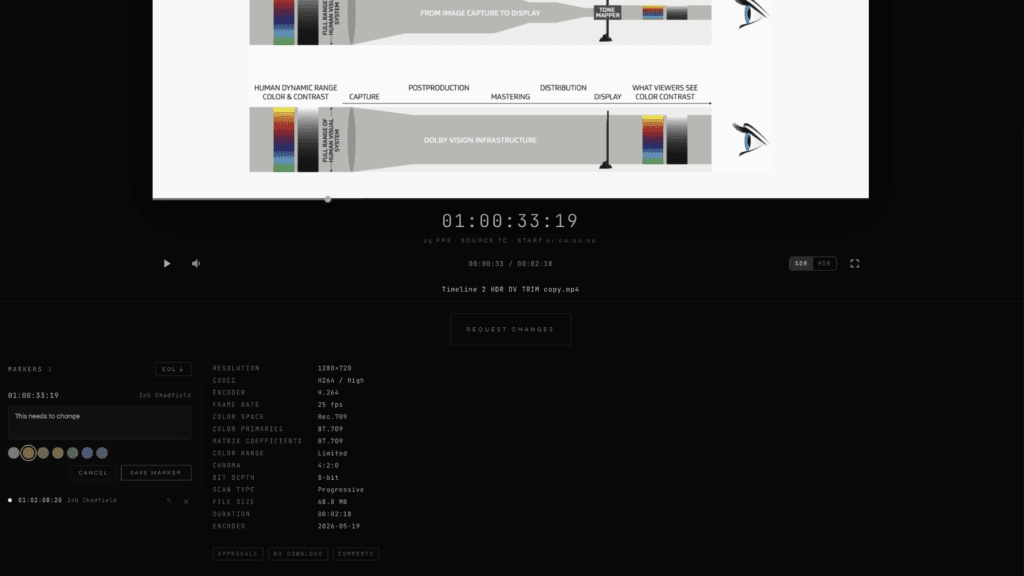
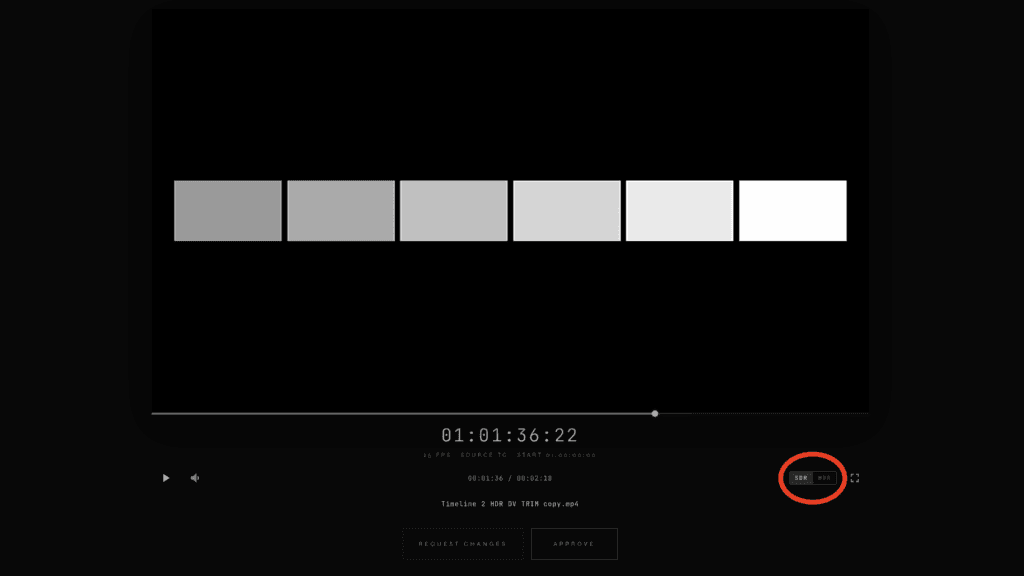
Note also that if you are working on an HDR project with us, and have a device with HDR support you will be able to toggle between an HDR or SDR version of a file.
If you request changes or approve a delivery we will immediately be notified of the requests and pickup the conversation with you directly.